One app.
Three heroes.
Investigators, Coordinators and CRAs share a single, role-aware app. Consistent data, unified workflows, and complete subject blinding for monitoring roles.

The whole site team, on the same page.
One app, three lenses
Sign in once — ProCTTH detects your role and unlocks exactly the right screens, permissions and mascot buddy.
Offline-first capture
Site staff can complete forms in basements, clinics and home visits. Everything syncs the moment you're online.
Part-11 e-signatures
Compliant e-signatures with biometric confirmation, tied to a fully immutable audit trail.
Real-time notifications
AE/SAE alerts, protocol deviations and query pings route to the right role instantly — no email lag.
Three roles. Zero context switching.
Investigator / PI
"Approve, review, sign — from anywhere."
- Review subject profiles and approve participation
- Verify screening forms and study data
- Source data review with one tap
- Encrypted chat and video with subjects
- Trigger emergency notifications when needed
- Co-sign with the study team from any device
Clinical Research Coordinator
"Run the study day, from your pocket."
- Set up visit schedules and manage the calendar
- Capture eSource visit forms with drag & drop
- Coordinate enrollment, consent, and lab requests
- Log AE/SAE and manage subject compensation
- Send reminders and emergency broadcasts
- Offline form capture, syncs when online
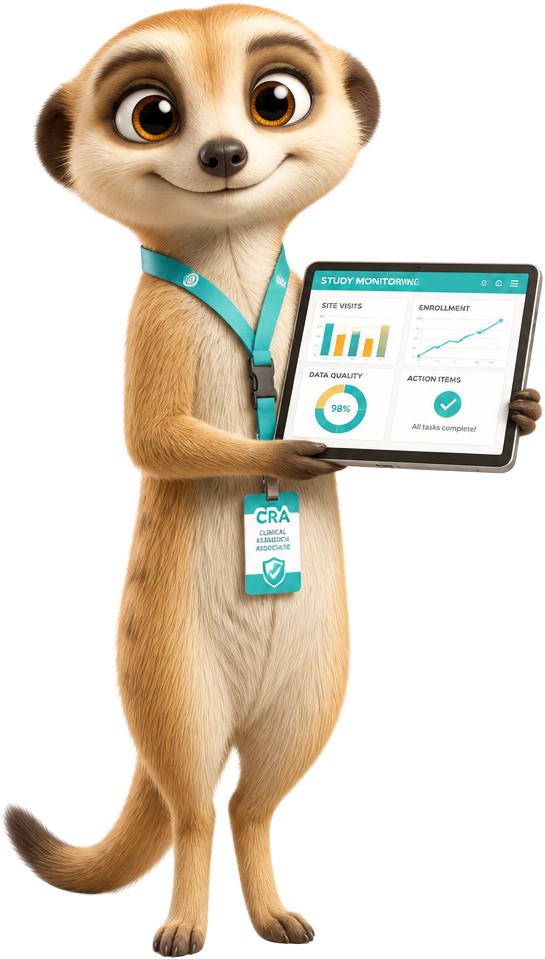
Clinical Research Associate
"Monitor smarter — with full blinding."
- Monitor investigators and coordinators across sites
- Review screening and visit forms remotely
- Raise queries and track resolution
- Audit trail visibility on every change
- Subject identity remains protected end-to-end
- KRI dashboards and auto-generated report drafts
Who can see and do what.
| Capability | Investigator | Coordinator | CRA |
|---|---|---|---|
| View subject identity (PII) | Yes | Yes | Blinded |
| Capture / edit eSource forms | Edit | Create & edit | Read only |
| Part-11 e-signature | Yes | Co-sign | No |
| Raise & resolve queries | Resolve | Resolve | Raise |
| Visit calendar management | View | Full control | View |
| Telemedicine with subjects | Yes | Yes | No |
| Audit trail & KRI dashboards | Site level | Site level | All sites |
Subject identity, contact details and source documents never leave the site — CRAs and sponsors always work on coded records.
What each role actually does all day.
The Team App is organised around the four workflows that consume most of a site and monitoring team's time.
Visit day, run from the ward
The coordinator opens the day view, sees every scheduled subject with their visit window, required procedures and outstanding items, and works straight down the list. Forms open pre-populated with wearable vitals and prior-visit values, and each completed procedure ticks off the protocol checklist in real time.
Why it matters · Visit documentation is finished before the subject leaves the clinic, instead of being reconstructed from notes days later.
- Day, week and protocol calendar views
- Window warnings before a visit falls out of protocol
- Procedure checklist with required-field enforcement
- Lab kit and sample tracking with barcode scan
- Deviation logging with reason codes
- Handover notes between coordinators
Investigator oversight and sign-off
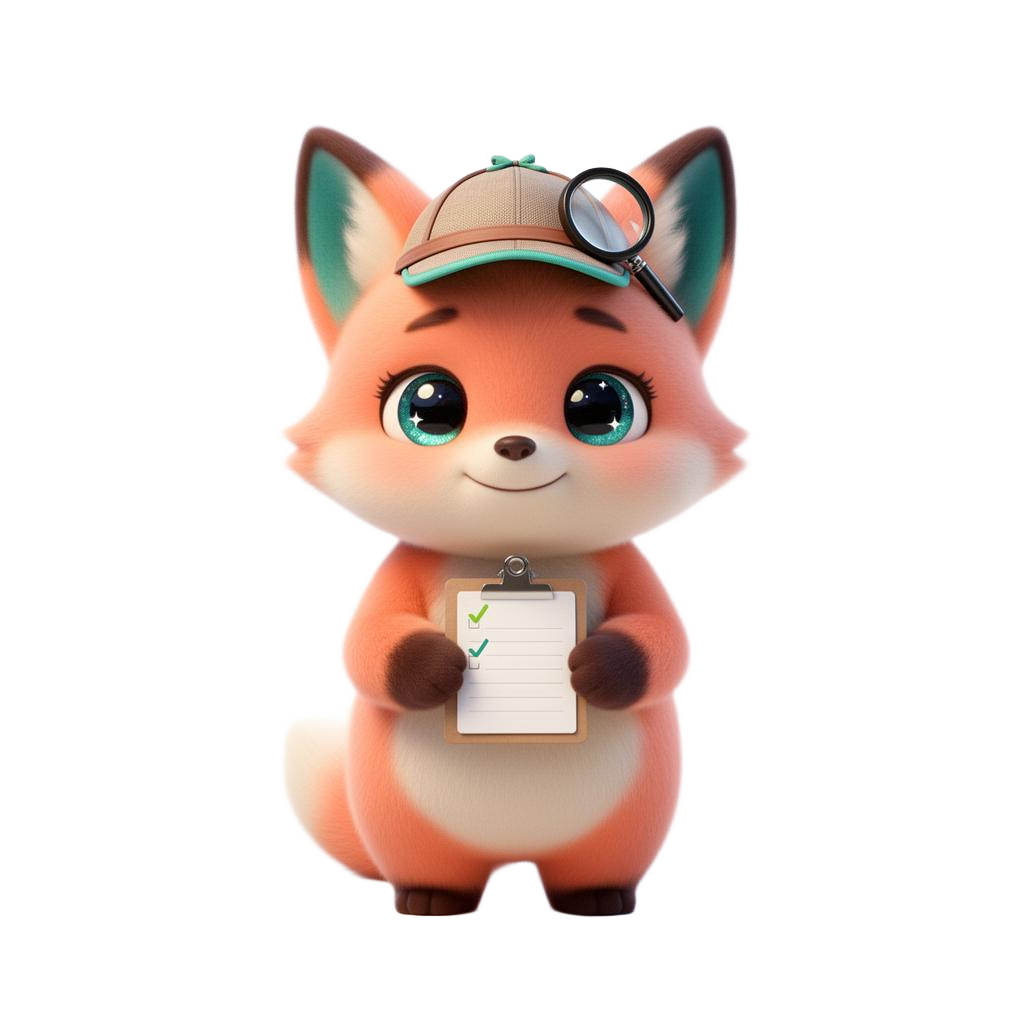
Dr. Hoot's queue surfaces exactly what needs medical judgement: eligibility decisions, abnormal lab flags, AE causality assessments and forms awaiting Part-11 signature. Each item opens with the full clinical context — trend charts, prior visits and source attachments — on one screen.
Why it matters · PIs stop chasing paper and the site's oversight obligation is evidenced by a timestamped, immutable trail.
- Eligibility review with inclusion/exclusion checklist
- Abnormal value queue with clinical significance call
- AE and SAE causality and expectedness assessment
- Batch e-signature with biometric confirmation
- Delegation log and training records in-app
- Direct video consult with the subject
Remote and on-site monitoring
Sleuth works entirely on coded records. Risk-based monitoring surfaces the subjects and fields most likely to carry error, so the CRA reviews what matters rather than 100% of everything, and raises queries against the exact field with a full change history beside it.
Why it matters · Monitoring visits shorten, query cycles close faster, and the site never has to prepare a separate binder for the CRA.
- Risk-based SDV sampling driven by KRI thresholds
- Field-level queries with threaded resolution
- Full audit trail: who changed what, when and why
- Site performance scorecards across the portfolio
- Monitoring visit report drafts generated from activity
- Zero access to subject identity or source documents
Safety, queries and escalation
When a subject reports an event, the app routes it by severity: coordinators get the intake, the investigator gets the assessment task, and SAEs trigger the reporting clock with countdown timers against regulatory deadlines.
Why it matters · Nothing sits in an inbox — every safety item has an owner, a deadline and an escalation path.
- Severity-based routing rules per study
- 24-hour SAE reporting countdown with reminders
- Auto-drafted narrative from captured data
- Query ageing dashboard by site and subject
- Protocol deviation register with CAPA notes
- Sponsor notification hooks on confirmed SAEs
Field-ready by architecture.
Offline-first sync engine
Forms, signatures and attachments are queued in an encrypted local store and reconciled field-by-field on reconnect, so two staff members working the same visit never overwrite each other.
Continuity with the desktop platform
The app is the same data layer as the ProCTTH web workspace. Start a form on a tablet at the bedside, finish it on desktop — it is one source record, not a copy.
Blinding enforced server-side
Redaction happens before data leaves the site tenant. A CRA device never receives identifiers, so a lost phone cannot expose PII.
Device and session hardening
Biometric unlock, configurable session timeouts, remote wipe of the local queue, jailbreak/root detection and certificate pinning.
From contract to first visit.
We create your tenant and load the protocol, visit schedule and form library.
Delegation log drives access — each user gets only the screens their role permits.
In-app guided tours plus a 45-minute live session per role, with completion records.
First-visit support from a ProCTTH specialist shadowing your coordinator.
Questions sites ask us
Does the CRA ever see subject names?+
No. Identifiers are stripped in the site tenant before any monitoring request is served, and source documents stay behind the site boundary at all times.
What happens if the site loses connectivity mid-visit?+
Everything continues. Forms, signatures and photos are written to an encrypted local queue and synced field-by-field once the device is back online, with conflict resolution rather than overwrites.
Can the same person hold two roles?+
Yes. Access is derived from the delegation log, so a user acting as both coordinator and sub-investigator sees a merged permission set with the correct signature authority.
Is the mobile app a separate system from the eSource?+
No. It is the same record. Anything captured on mobile is immediately visible in the desktop workspace and in the blinded eCRF view for sponsors and CROs.
Onboard your PI, CRC and CRA in one afternoon.
We'll provision a demo tenant and preload a study so your whole team can try their role-specific screens end-to-end.